

Social media reach keeps shrinking. You can post every day and still only reach a small slice of your own followers.
That's why so many creators, coaches and businesses are moving to communities they own. A community is a space where your audience talks to you and to each other, without an algorithm deciding who sees what.
The right platform makes this easy. The wrong one leaves you with high fees, an empty forum and a lot of setup work.
We compared the 8 best online community platforms for 2027, looked at their current prices and tested what each one is best at. Let's find the one that fits you.
What Is an Online Community Platform?
An online community platform is software that gives you your own members-only space on the web. Members can post, comment, join events and take courses. You control the rules, the data and how you make money.
Compared to a social media group, you get three big wins.
- Ownership. Your members, content and data stay with you.
- Deeper engagement. People come to participate, not just scroll past.
- Easier money. Most platforms let you charge for memberships, courses or events.
How We Picked These Platforms
We looked at five things for each tool.
- Ease of setup. Can a beginner launch in a day?
- Engagement tools. Does it help keep members active, or is that all on you?
- Ways to earn. Paid memberships, courses, events and sales.
- Real cost. Monthly price plus transaction fees and per user charges.
- Mobile experience. Most members visit from their phones.
Quick Price Comparison
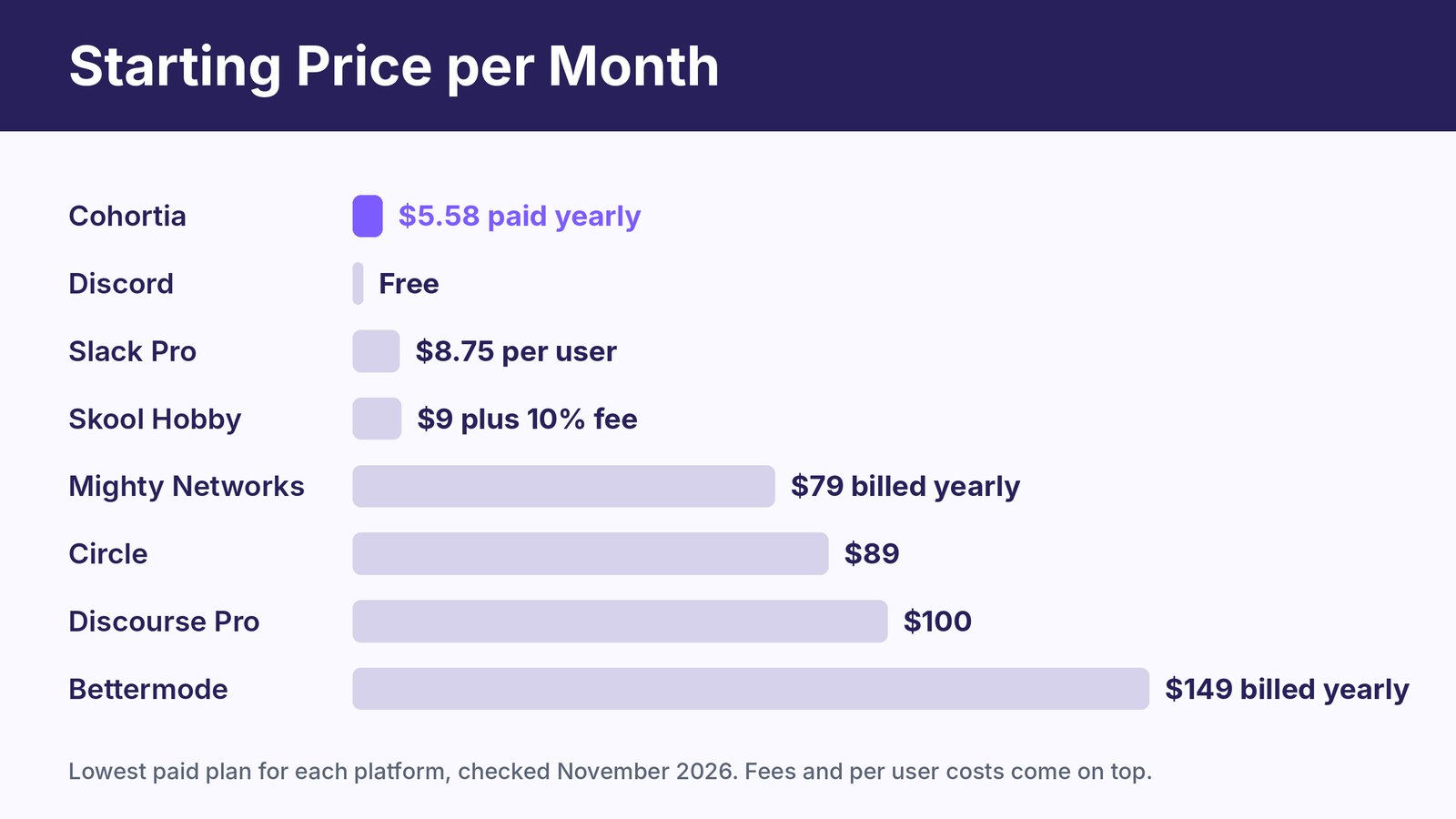
| Platform | Starting Price | Best For |
|---|---|---|
| Cohortia | $5.58 a month paid yearly | Growing an active community with AI help |
| Skool | $9 a month plus 10% fee | Courses and paid groups |
| Circle | $89 a month | Branded creator communities |
| Mighty Networks | $79 a month billed yearly | Memberships with events and courses |
| Bettermode | $149 a month billed yearly | Customer communities for SaaS |
| Discourse | Free, Pro $100 a month | Searchable forums and support |
| Slack | Free, Pro $8.75 per user | Professional chat groups |
| Discord | Free | Gaming and fan communities |
1. Cohortia
Cohortia is an AI-powered community platform built to solve the biggest problem new communities face, an empty room.
Most communities die in the first few months because nobody posts. Cohortia gives you AI co-hosts that start discussions, post questions and comment on member posts. Your real members always find something new to reply to, even when the group is small.
It works for any niche, from fitness and gardening to coaching and local business. You describe what your community is about and Cohortia helps set it up.
You can charge for posts, events, memberships and courses, and Cohortia doesn't take a cut of your sales. Your community is SEO friendly, so it can pull in visitors from search, and it works like an app on mobile phones.
Agencies can also use it to build communities for local businesses and charge a monthly fee for running them.
Best for. Creators, coaches and small businesses who want an active community without posting all day.
Price. $5.58 a month, paid yearly ($67 a year), or $6.99 month to month, with no fee on your sales and a 30 day refund.
Pros
- AI co-hosts keep discussions going
- No transaction fees on sales
- Courses, events and memberships built in
- SEO friendly and mobile ready
- Lowest price on this list
Cons
- Newer than the big names
- Fewer third party integrations so far
2. Skool
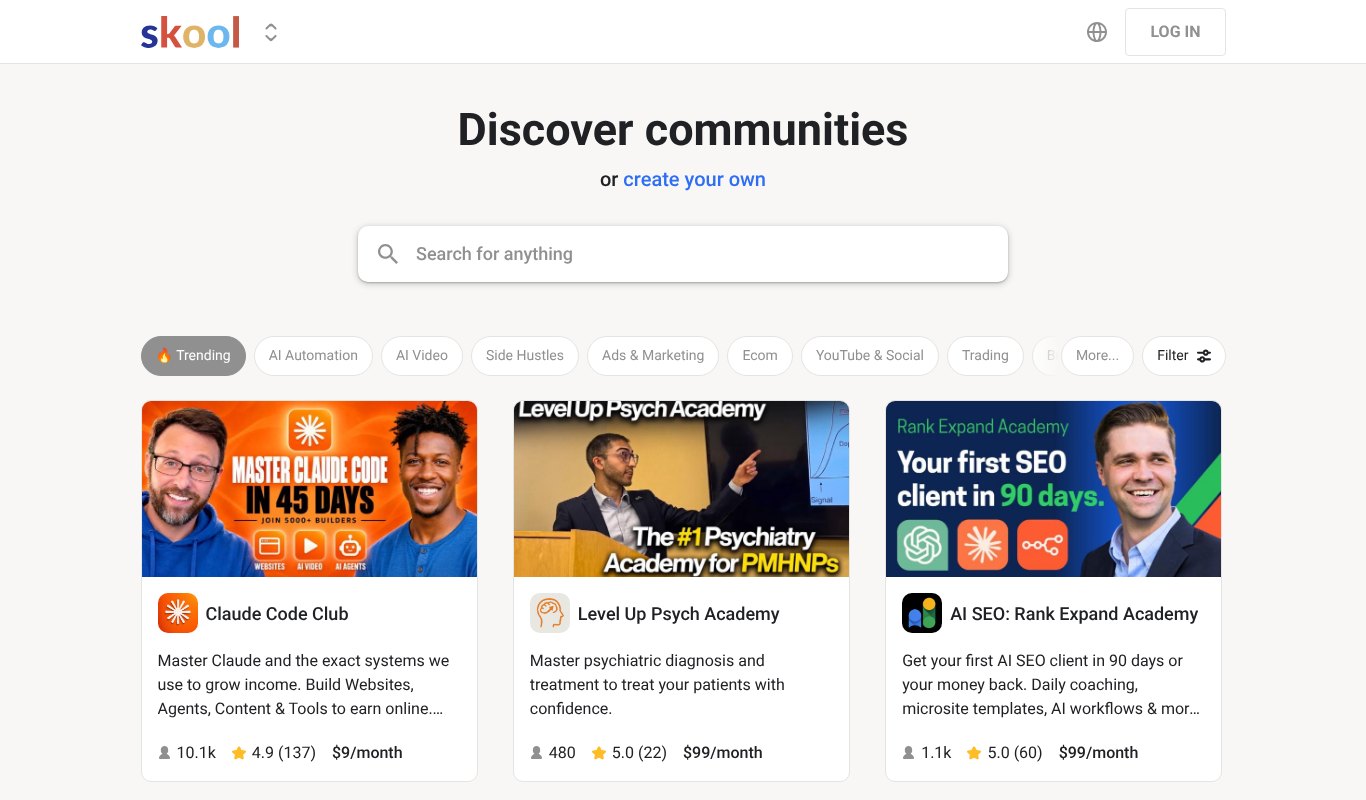
Skool combines a community feed, courses and a calendar in one simple layout. It's known for its gamification. Members earn points and levels for taking part, and you can unlock courses at certain levels.
It also has a public discovery page where people browse communities, which can bring in new members.
The catch is the fees. On the Hobby plan Skool takes 10% of every sale. Pro drops that to 2.9%, but costs $99 a month. If you're weighing options, see our list of Skool alternatives.
Best for. Course creators who want a clean, simple space with built-in gamification.
Price. Hobby $9 a month plus a 10% transaction fee. Pro $99 a month plus 2.9%, with 2 months free on yearly billing.
Pros
- Very easy to use
- Points and levels drive activity
- Discovery page brings new members
Cons
- High fees on the cheaper plan
- Very little design customization
3. Circle
Circle is a polished all-in-one platform for creators and brands. You get discussion spaces, live streams, events, courses, paid memberships and email in one place.
It shines when you want a branded experience. You can use your own domain and colors, and higher plans add your own branded mobile app.
The downside is cost. Prices climb quickly as you add members and features.
Best for. Established creators and brands who want a polished, branded community.
Price. Professional $89 a month, then $199 and $419 for bigger plans. 14 day free trial.
Pros
- Clean, modern design
- Courses, events and email built in
- Strong branding options
Cons
- Expensive as you grow
- Branded app only on top plans
4. Mighty Networks
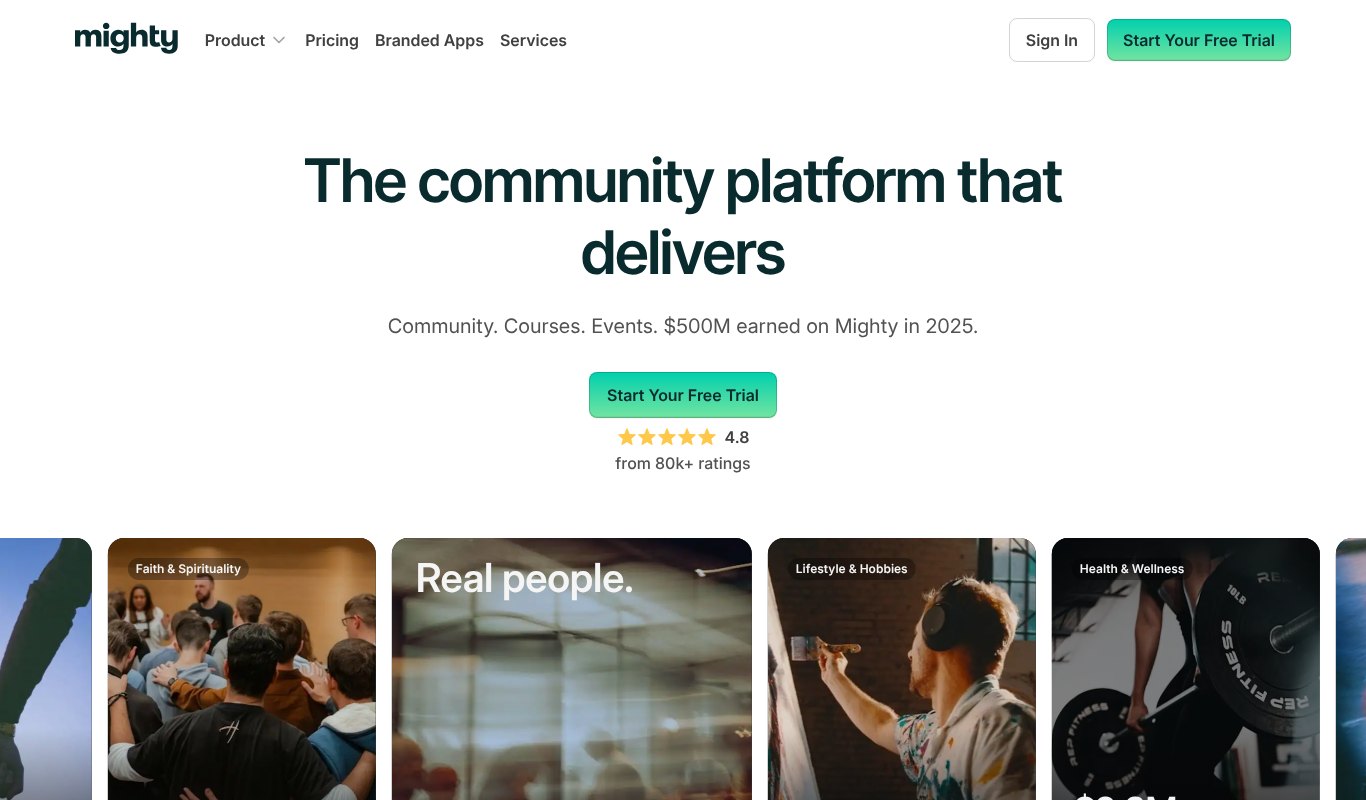
Mighty Networks brings together community, courses, events and live streams. It has AI tools that help you plan and set up your community, and it works well on mobile.
It's popular with coaches who run cohort programs and paid memberships. Members can find each other by interest and location.
Best for. Coaches and educators who run memberships, cohorts and live events.
Price. Launch $79 a month billed yearly, then $179 and $354.
Pros
- Courses, events and community together
- Good mobile app
- Helpful setup tools
Cons
- Can feel busy for beginners
- Best features are on pricier plans
5. Bettermode
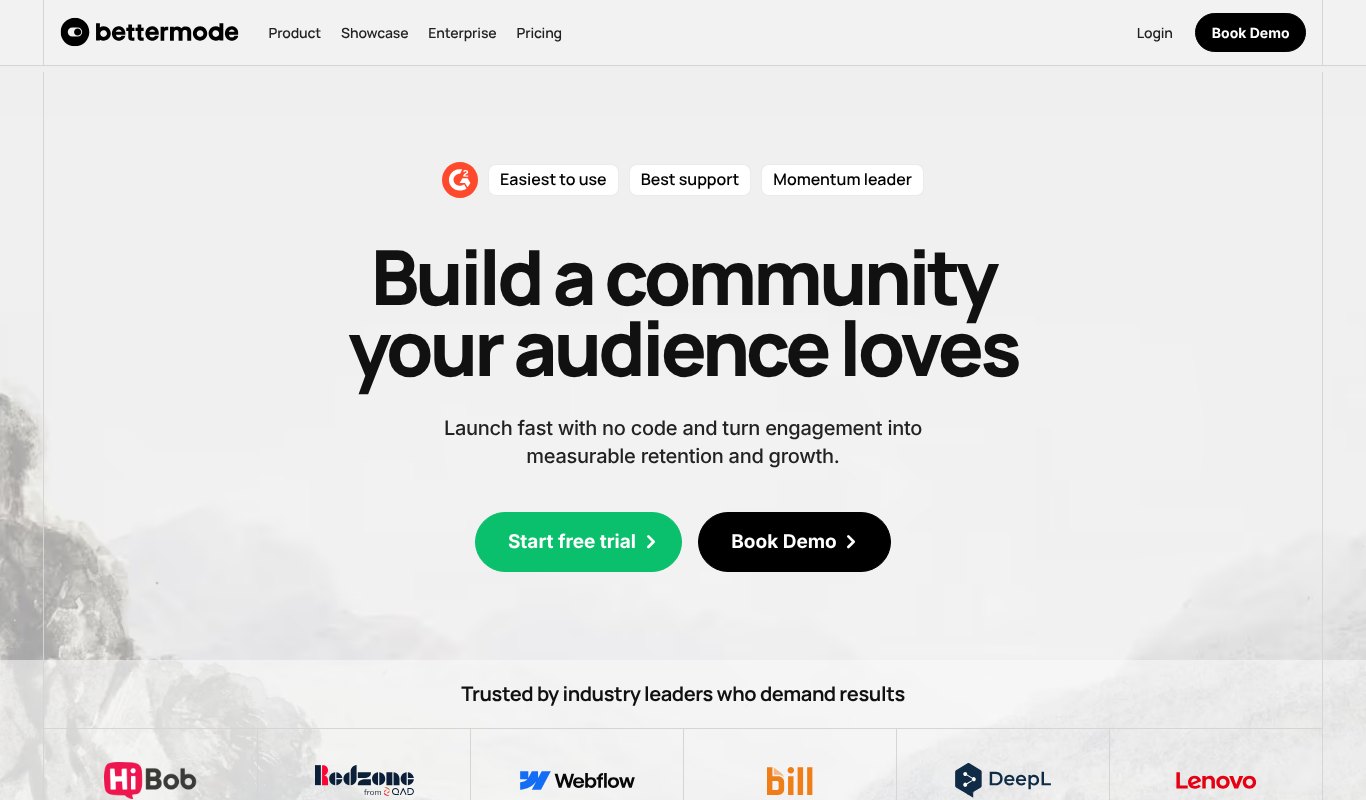
Bettermode is built for customer communities. SaaS companies use it for support forums, product feedback, idea boards and knowledge sharing.
It connects with tools like Slack, Zapier and HubSpot, and you can customize the layout heavily without code.
Best for. SaaS and tech companies building support and feedback communities.
Price. $149 a month billed yearly ($1,788 a year), or $199 month to month.
Pros
- Very flexible layouts
- Strong integrations
- Great for product feedback
Cons
- Too pricey for solo creators
- More setup work
6. Discourse
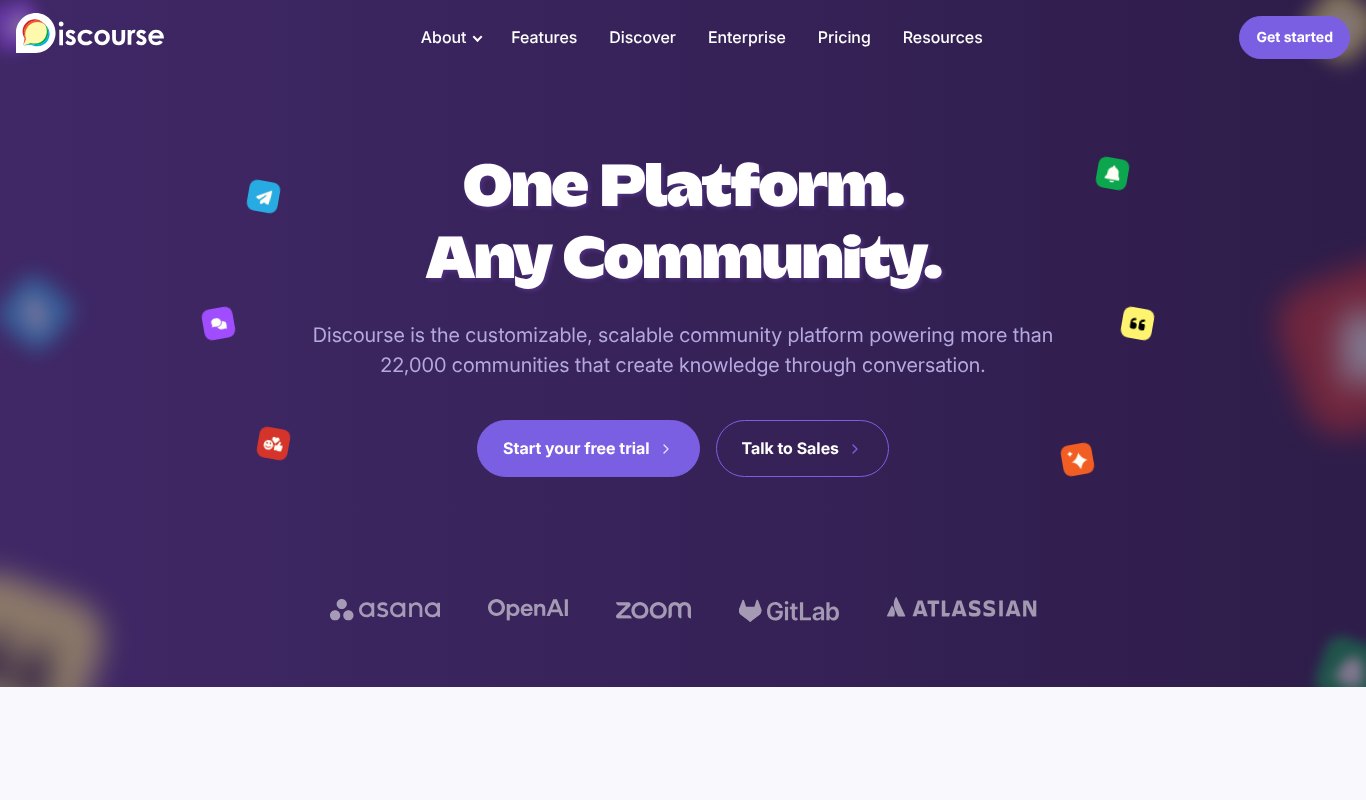
Discourse is a modern forum. Discussions are organized by topic, easy to search and easy for Google to find. That makes it great for support communities where the same questions come up again and again.
It's open source, so tech-savvy teams can host it themselves for free. Hosted plans remove the setup work.
Best for. Product teams and open source projects that want searchable, long-lasting discussions.
Price. Free plan for small communities, Pro $100 a month, or free to self-host.
Pros
- Great search and SEO
- Powerful moderation tools
- Open source option
Cons
- Feels like a forum, not a social feed
- No built-in courses
7. Slack
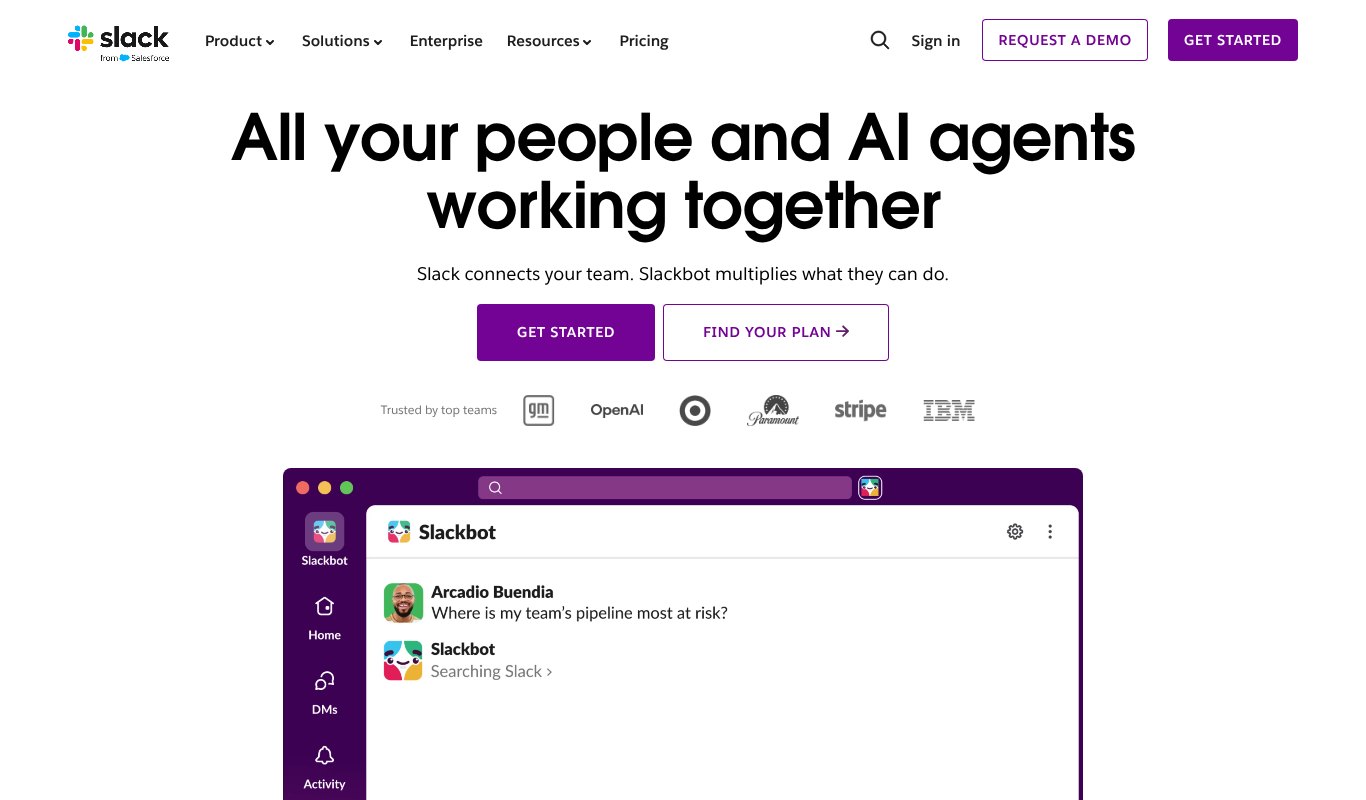
Slack wasn't built for communities, but plenty of professional groups run on it because members already use it at work.
Conversations happen in real time across channels. It's great for quick back and forth, but older messages are harder to find on the free plan.
Best for. Professional and B2B groups whose members already live in Slack.
Price. Free plan with limited history. Pro $8.75 per user a month, which gets expensive for big groups.
Pros
- Members already know it
- Great for real-time chat
Cons
- Per user pricing adds up fast
- No way to charge members built in
8. Discord
Discord is free and built for real-time chat, voice and video. It started with gamers and now hosts communities for creators, crypto, education and more.
You can sell server subscriptions, but Discord takes a share. It's best for younger, very active audiences.
Best for. Gaming, fan and creator communities with an active, younger audience.
Price. Free. Server subscriptions are available, and Discord keeps a cut.
Pros
- Free to start
- Voice and video built in
- Very active users
Cons
- Can feel chaotic
- Hard to search old content
- Not great for courses
Which Platform Should You Choose?
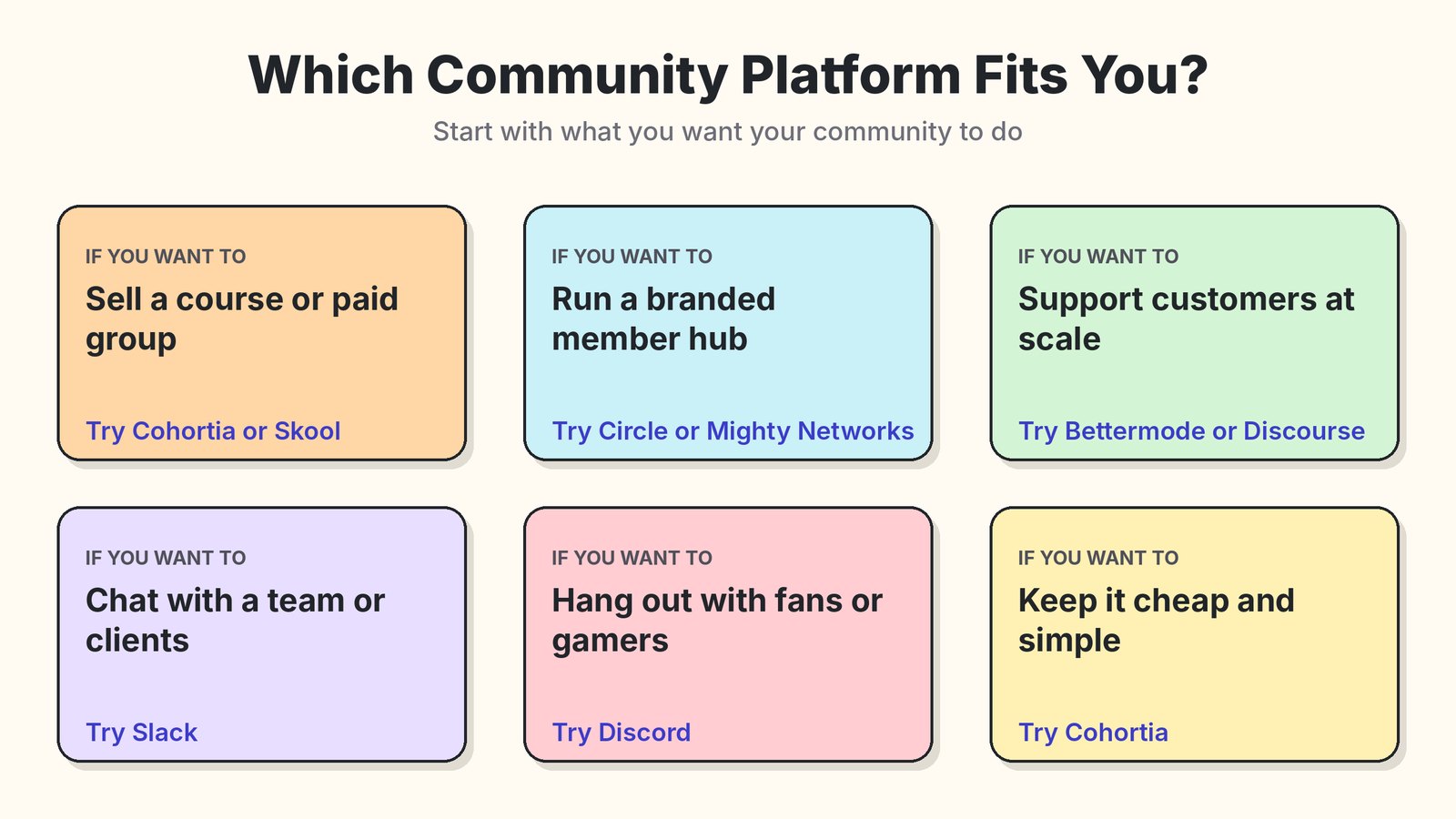
Start with what you want your community to do, then match it to a platform.
- You want an active community on a small budget. Cohortia gives you AI help and no sales fees.
- You sell courses and want gamification. Skool is simple and popular.
- You want a premium, branded hub. Circle or Mighty Networks.
- You support customers of a software product. Bettermode or Discourse.
- Your members live in chat apps. Slack for professionals, Discord for fans.
Community Platform or Facebook Group?
Many communities start as a free Facebook group, and that's fine for testing an idea. But groups have limits that start to hurt as you grow.
| Facebook Group | Community Platform | |
|---|---|---|
| Who owns the members | You | |
| Who sees your posts | The algorithm decides | Every member can see them |
| Charging members | Limited | Built in on most platforms |
| Courses and events | Basic | Full courses, events and live streams |
| Distractions | Ads and the whole news feed | Just your community |
A smart path is to use social media to find people and your own platform to keep them.
Ways to Make Money From Your Community
- Paid membership. Charge a monthly or yearly fee for access.
- Courses. Sell training inside the community where students can ask questions.
- Paid events. Workshops, live Q and A sessions and masterclasses.
- Premium tiers. Keep a free area and charge for a smaller, closer group.
- Coaching upsells. Invite engaged members into private coaching.
- Sponsorships. Once you have an active niche audience, brands will pay to reach it.
Watch the fees. A 10% cut on $2,000 a month in sales costs you $200 a month, which is more than most platforms charge for a full plan.
Mistakes to Avoid When Choosing
- Paying for features you won't use. Start with the plan you need today and upgrade later.
- Ignoring the member experience. Test the mobile app yourself before you launch.
- Forgetting about fees. Add transaction fees and per user costs to the monthly price.
- Launching to an empty room. Seed content first, or use AI co-hosts to keep things moving.
Tips to Grow Your Community Faster
- Pick a clear promise. "Home gardeners growing food in small spaces" beats "gardening fans".
- Seed it before you launch. Add 10 to 20 posts so new members land in an active space.
- Welcome everyone personally. A quick hello turns lurkers into posters.
- Run a weekly ritual. A Monday wins thread or a Friday Q and A gives people a reason to return.
- Invite from everywhere. Your email list, social profiles, website and customers.
- Reward helpers. Spotlight active members and give them small roles.
FAQ
What is the best free online community platform?
Discord and Slack both have free plans, and Discourse can be self-hosted for free. For a paid platform that costs very little, Cohortia starts at $5.58 a month paid yearly.
Which community platform has the lowest fees?
Cohortia doesn't take a cut of your sales. Skool's Hobby plan takes 10%, and Discord keeps a share of server subscriptions.
Can I move my Facebook group to a community platform?
Yes. Announce the move, give members a clear reason to join, and keep posting in both places for a few weeks while people switch.
How many members do I need to start?
You can start with a handful. Focus on making the first 20 to 50 members feel welcome. AI co-hosts in Cohortia help keep it lively while you grow.
Is a community better than an email list?
They work best together. Email lets you reach people directly, and a community lets them talk to each other. Use your email list to invite people in, and use the community to keep them engaged between emails.
Final Thoughts
The best online community platform is the one your members will actually use, at a price you can keep paying as you grow.
If you want a big, branded hub and have the budget, Circle and Mighty Networks are solid. If you sell courses, Skool is easy. For chat, Slack and Discord are free to start.
But if you want a community that stays active from day one, with no cut of your sales and a tiny monthly cost, try Cohortia.